
Website Management
12128I. Function Overview
The website management page of Jianghu Junshi is a powerful tool that allows users to easily manage and maintain their website information. Through this page, users can add new websites, modify existing website information, and conveniently copy tracking scripts, thus achieving comprehensive monitoring and analysis of website traffic.
II. Function Entry
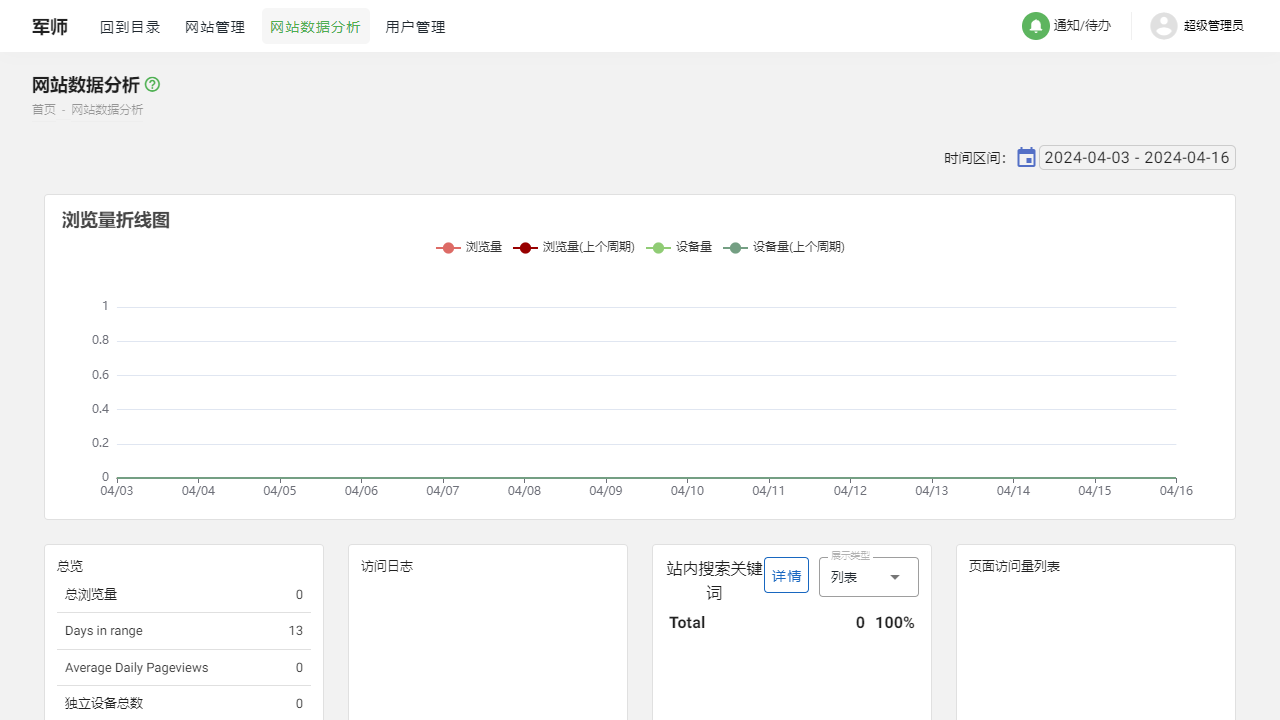
After successfully logging into the backend management system of Jianghu Junshi, users can quickly access the website management page by clicking the 【Website Management】 menu at the top of the page, allowing them to operate and manage various website information.
III. Function Details
1. Add New Website
By clicking the "Add New Website" button, users can enter detailed information about the new website, such as website name, URL, industry category, etc. This information will help users better organize and identify different websites and provide foundational data for subsequent traffic analysis.
2. Modify Website
In the website list, users can find and click on the website entry they wish to modify. Once in the editing page, users can change various information about the website, such as updating the website name, adjusting the industry category, and changing the URL. These modifications will be saved in real-time and immediately reflected in the website list.
3. Copy Script
To enable Jianghu Junshi to accurately track and analyze website traffic, users need to add a tracking script to their website. In the website management page, users can easily copy this script and paste it into the HTML code of their website. This way, Jianghu Junshi can collect and analyze website access data in real-time.
IV. Precautions
- When adding or modifying website information, please ensure that the data entered is accurate to avoid affecting subsequent traffic analysis results.
- When copying and pasting the tracking script, please ensure it is placed in the appropriate location within the website's HTML code to ensure accurate data collection.
- If you encounter any issues during the operation, please promptly contact the technical support team of Jianghu Junshi for assistance.
V. Frequently Asked Questions and Answers
Q: How can I confirm that the tracking script has been correctly installed?
A: After installing the tracking script, you can check in the backend of Jianghu Junshi to see if data has started flowing in. If data begins to flow, it indicates that the script has been correctly installed.
Q: Can I modify the information of a website that has already been added?
A: Yes, you can find the website entry that needs modification in the website management page and click the edit button to make changes. After completing the modifications, please remember to save the changes.
Q: If I delete a website, will the previously collected data be lost?
A: Deleting a website will not result in the loss of previously collected data. You can view and analyze this data in the historical data reports. However, please note that after deleting a website, you will no longer be able to track and analyze subsequent traffic for that website.