
Jianghu-init Tool
12003jianghu-init is the official command-line tool of the JianghuJS framework, designed to simplify and accelerate the creation of JianghuJS projects and pages. It provides functionality for quickly generating project scaffolds and page templates. Below are the main commands provided by jianghu-init:
jianghu-init project: Instantly generate a template project to help you quickly start a new project.jianghu-init page: Easily create template pages to save time and maintain structural consistency.jianghu-init json: Develop pages using JSON for improved efficiency and maintainability.jianghu-init component: Generate common application components, such as a JSON editor or operation history.jianghu-init script: Generate commonly used script files, such as sorting resourceIds or exporting SQL.
Installation
- Install
# Install with npmnpm install -g @jianghujs/jianghu-init@latest# Install with yarnyarn global add @jianghujs/jianghu-init@latest --registry=http://registry.npmmirror.com
- Check version
# With npmnpm list @jianghujs/jianghu-init -g# 3.2.4+ allows version checkjianghu-init -v
- Command help
# 3.2.4+ allows help checkjianghu-init -h
jianghu-init project
Quickly generate a template project:
jianghu-init project ./test01jianghu-init project --type=basic ./test01
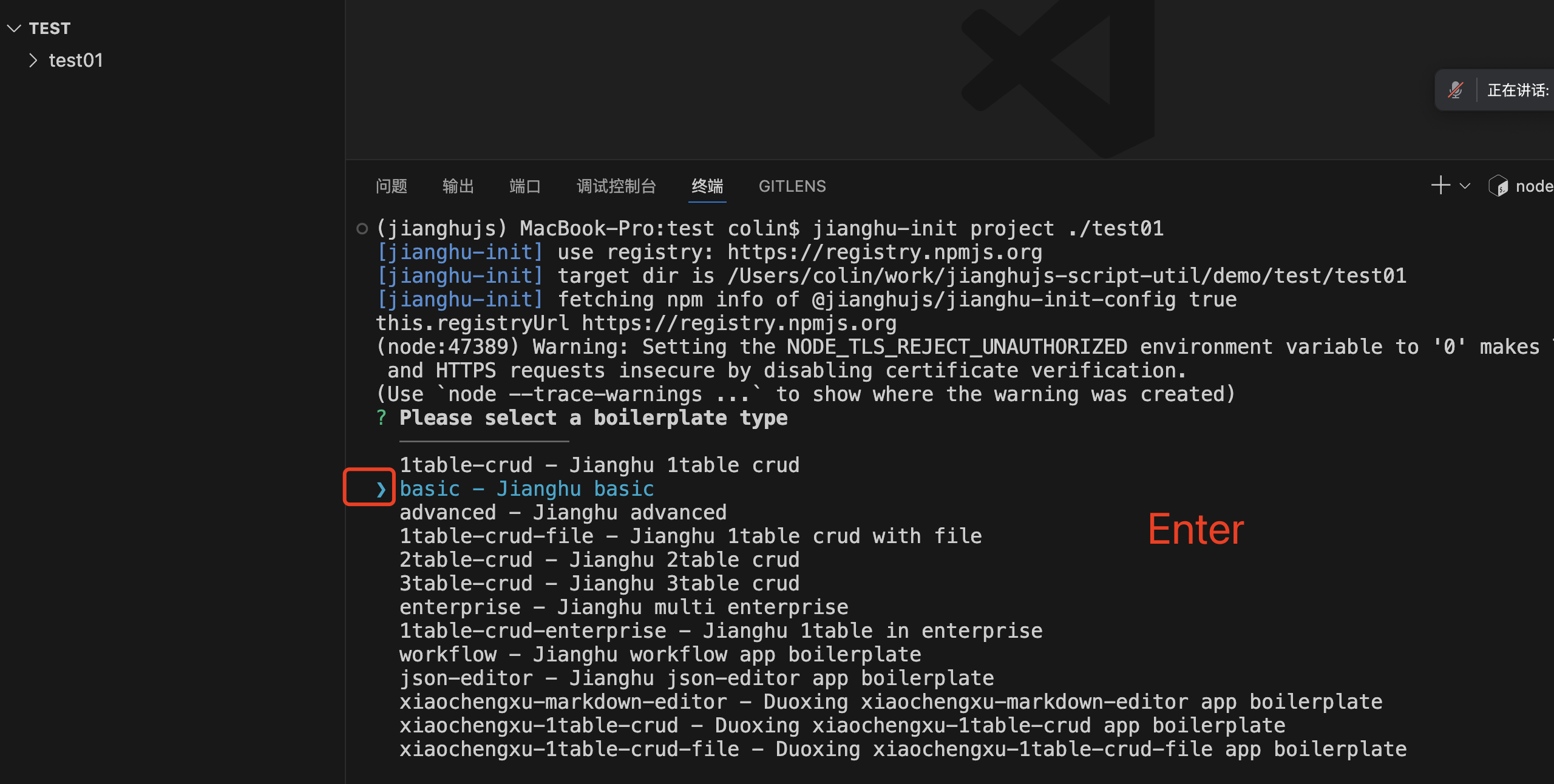
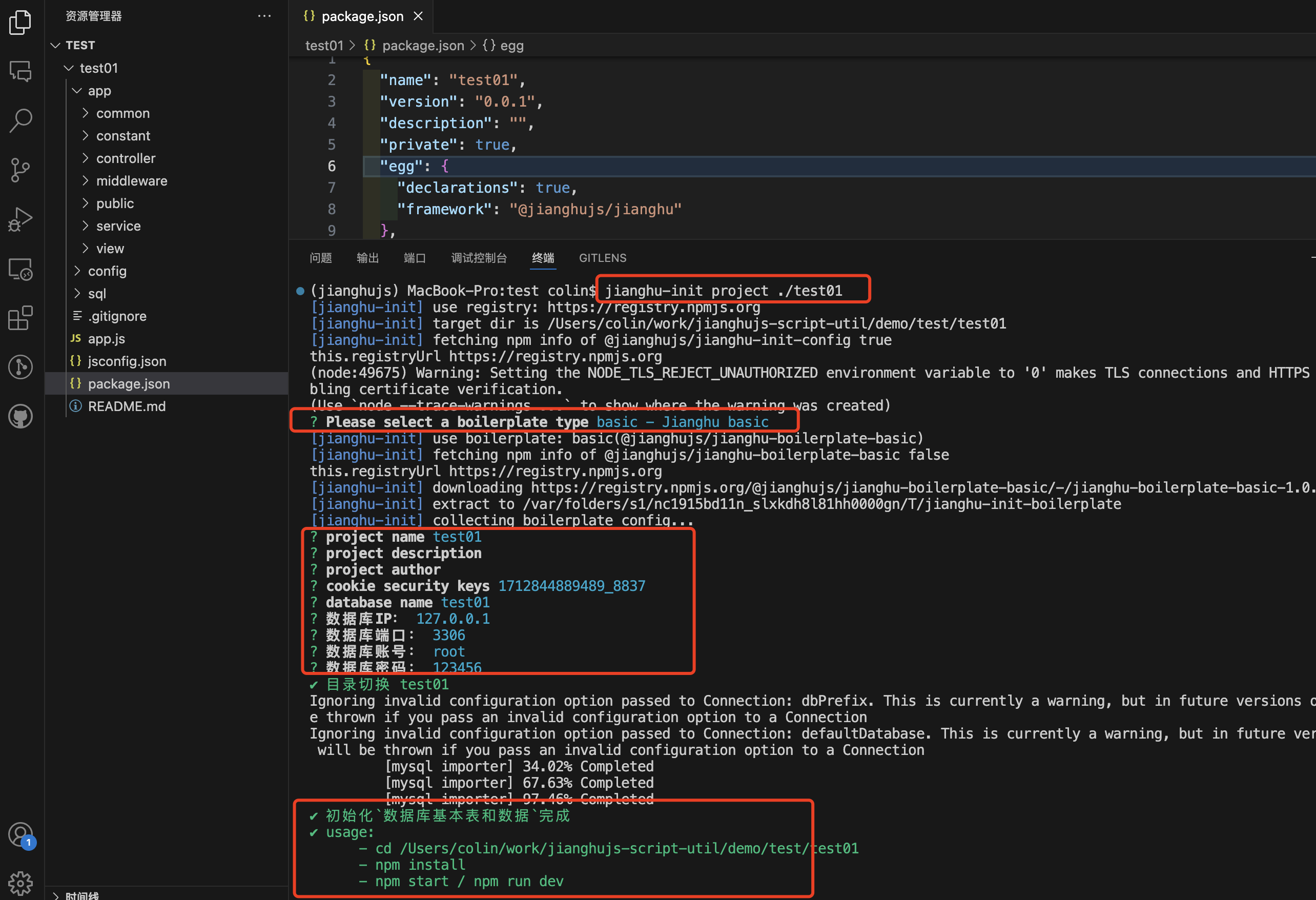
| Parameter | Value | Example |
|---|---|---|
| type | 1table-crud (project name) | --type 1table-crud |
| dbIp | database ip | --dbIp 127.0.2 |
| dbPort | database port | --dbPort 3306 |
| dbUser | database user | --dbUser root |
| dbPass | database password | --dbPass 123456 |
jianghu-init page
Quickly generate a template page:
jianghu-init pagejianghu-init page --type=1table-page
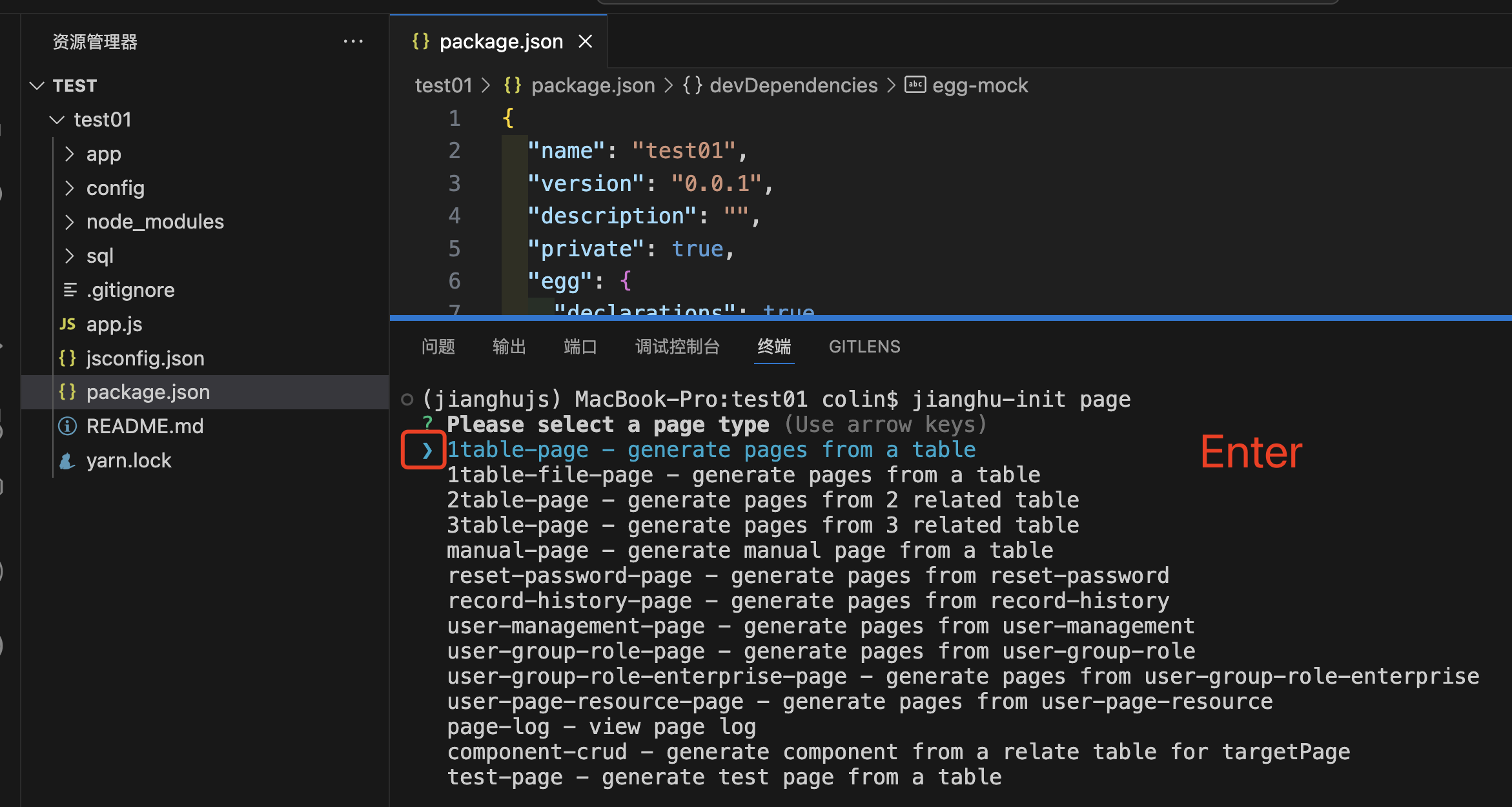
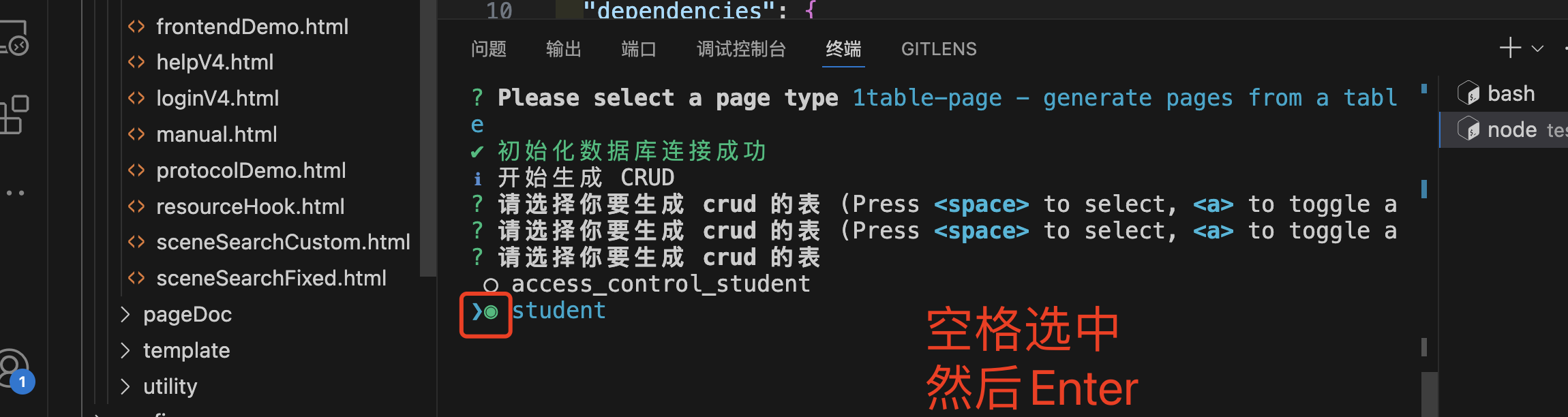
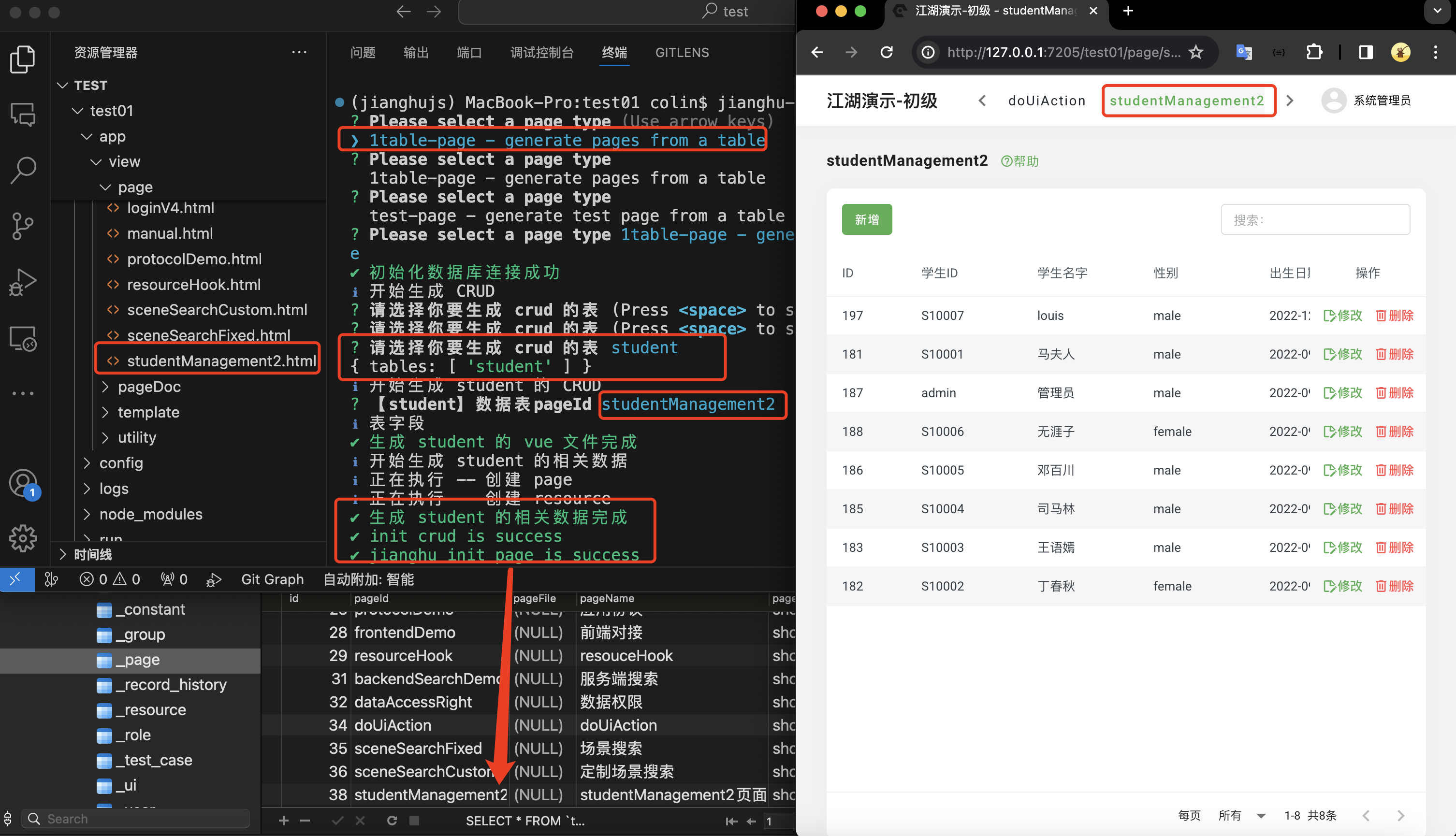
| Parameter | Value | Example |
|---|---|---|
| type | 1table-page (page type) | --type 1table-page |
jianghu-init json
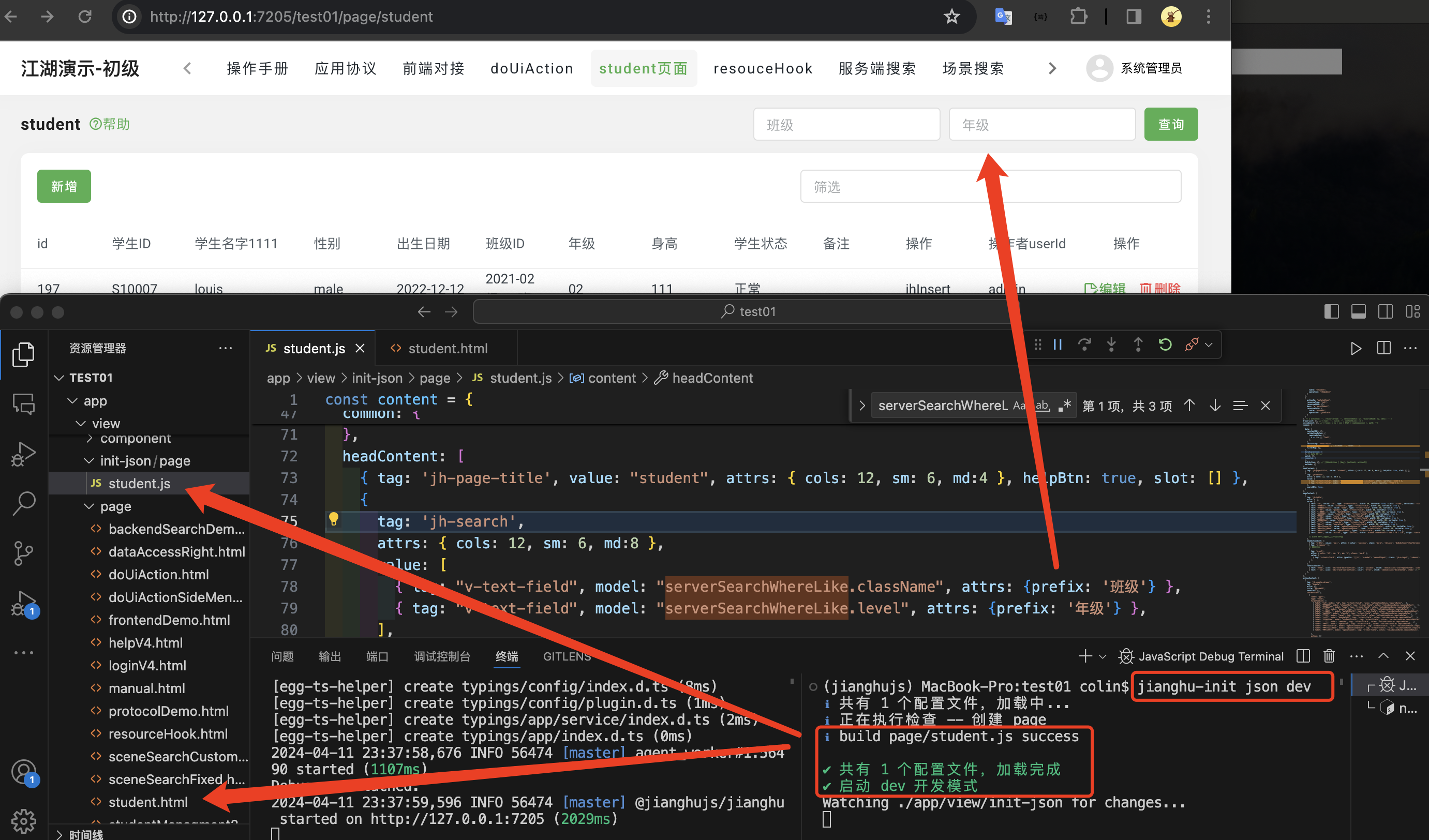
- Run
jianghu-init jsonto create astudent.jsonfile. - Run
jianghu-init json devto enable JSON development mode for automatic page updates.
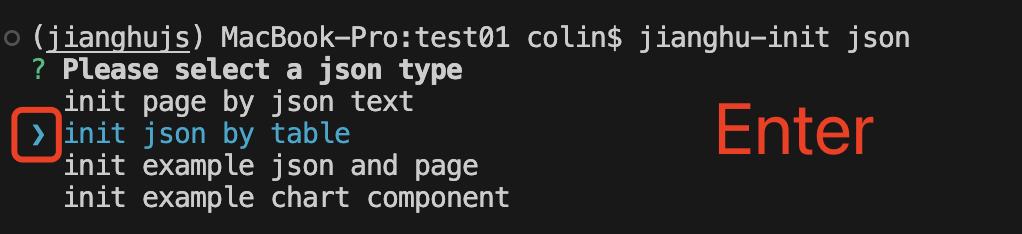
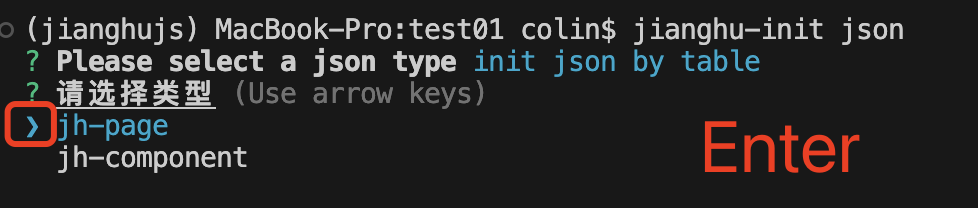
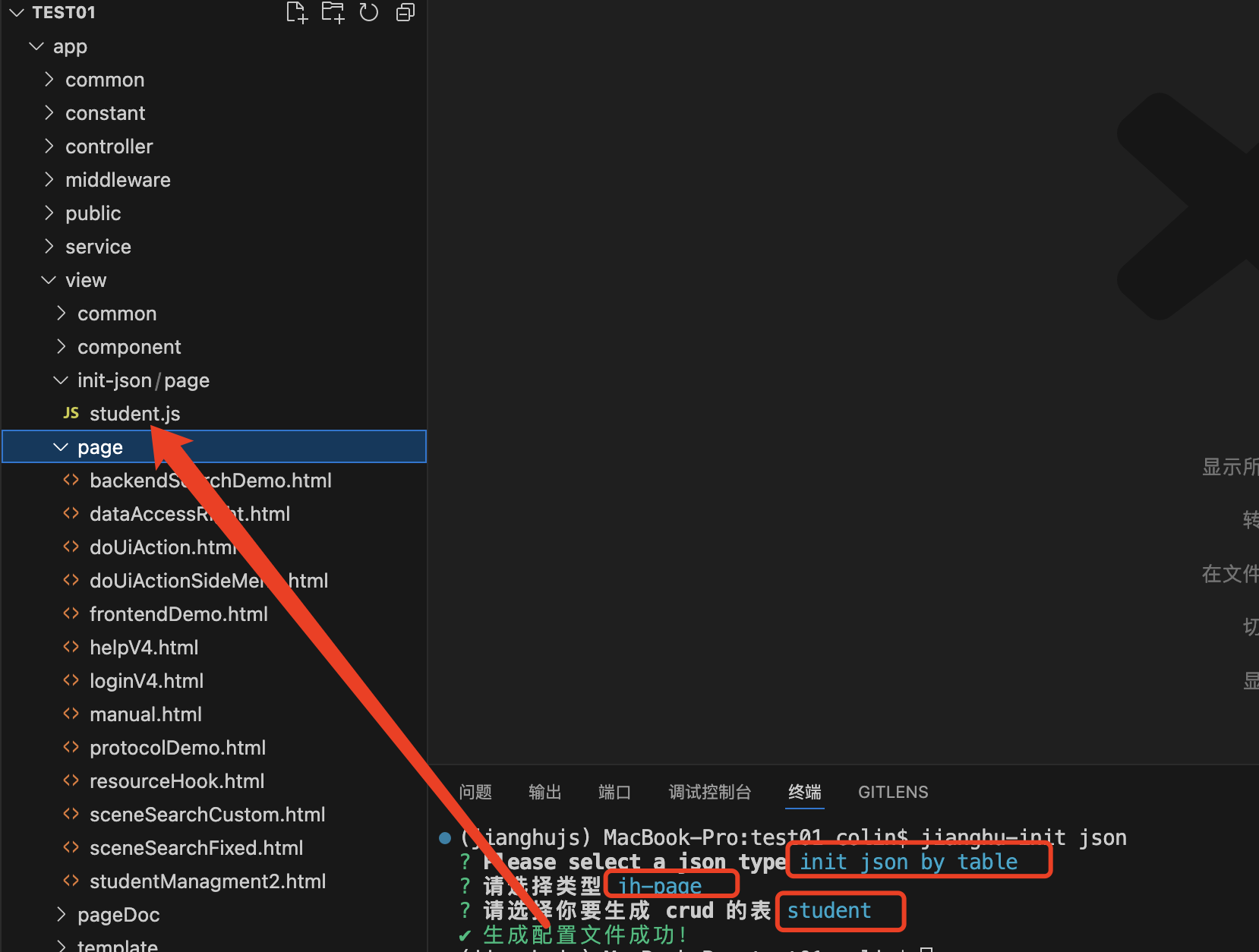
| Parameter | Value | Example |
|---|---|---|
| generateType | Generate type [ page / component ] | --generateType page |
| pageType | File type [ page / component ] | --pageType page |
| table | Select table | --table student |
| pageId | database user | --pageId studentManagement |
jianghu-init component
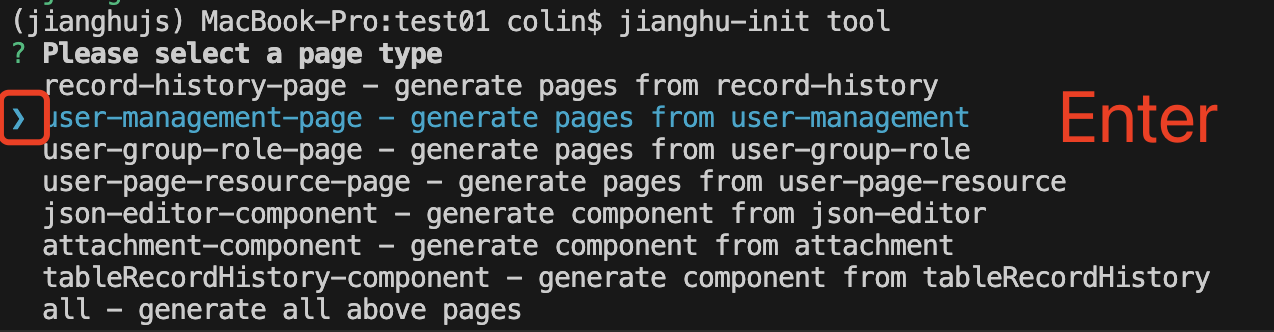
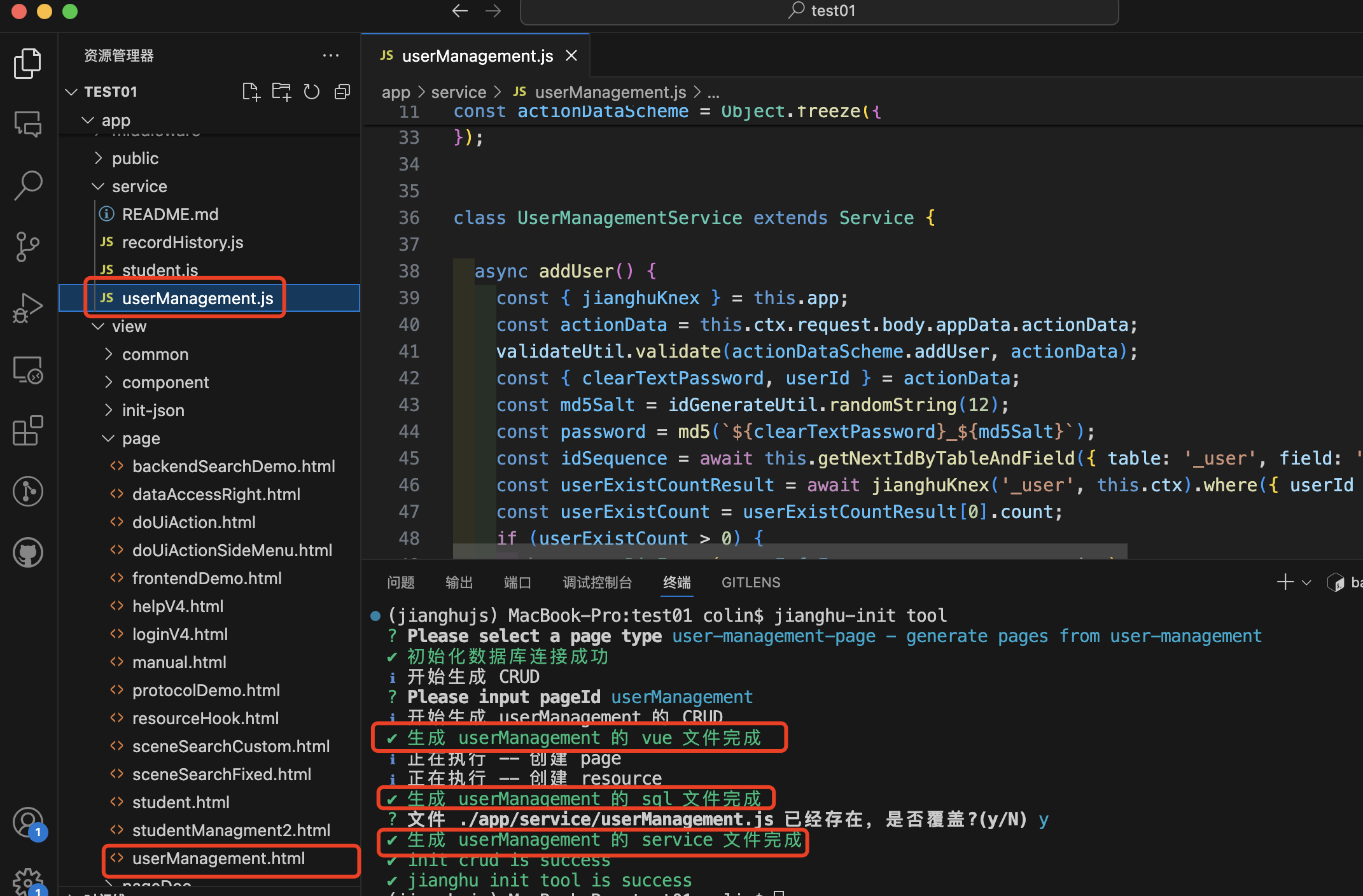
Generate application management-related pages:
jianghu-init component- json-editor-component: JSON editor component
- attachment-component: File attachment component
- tableRecordHistory-component: Data history component
| Parameter | Value | Example |
|---|---|---|
| type | component type | --type json-editor |
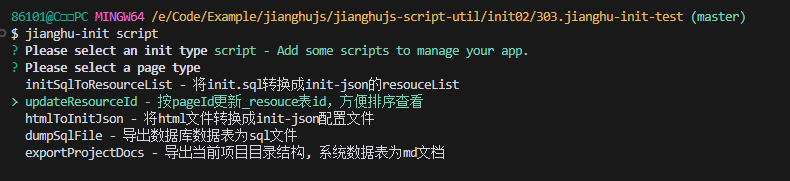
jianghu-init script
jianghu-init script- initSqlToResourceList - Convert init.sql to init-json resouceList
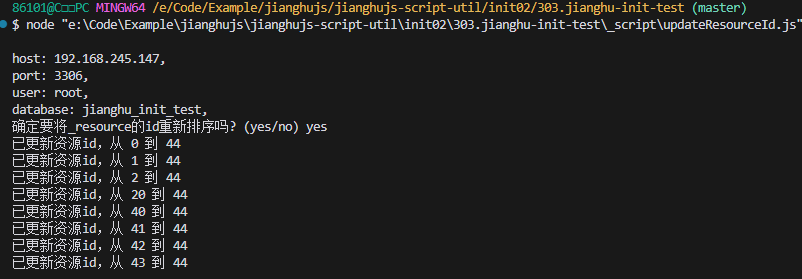
- updateResourceId - Update _resource table IDs by pageId for easier sorting and viewing
- updateJhId - Update jhId in system tables
- htmlToInitJson - Convert HTML files into init-json configuration files
- dumpSqlFile - Export database tables as SQL files
- exportProjectDocs - Export current project directory structure and system tables as Markdown documents
| Parameter | Value | Example |
|---|---|---|
| type | script type | --type initSqlToResourceList |