
Data. Data History
12003Project Introduction
This chapter is part of the JianghuJS intermediate
advancestemplate project, specifically theData Historymodule, which introduces the recording of data change history at the row level, primarily used for data recovery & data backup.
Function Usage
Overview
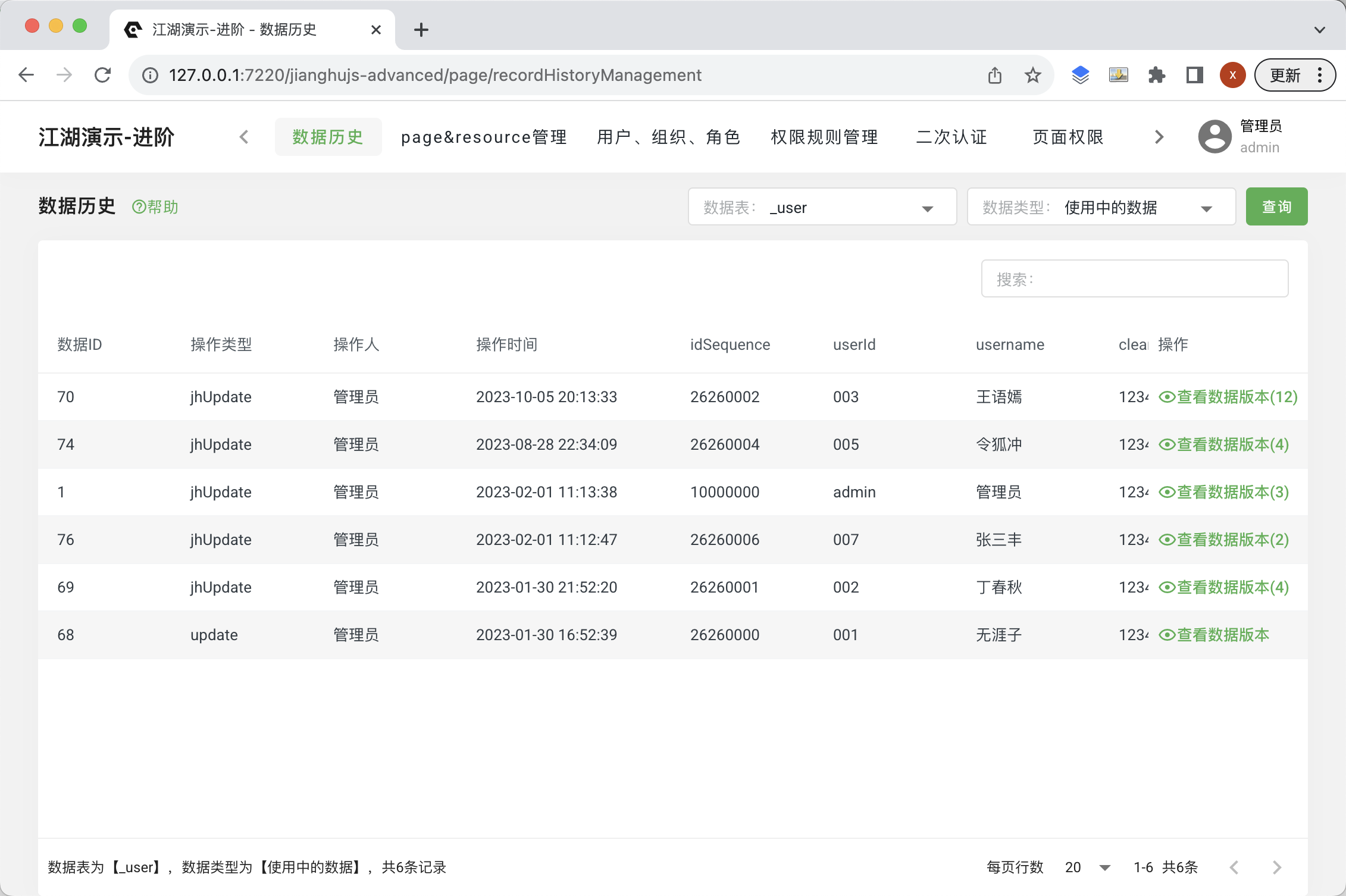
Initialize SQL
Data history table _record_history
CREATE TABLE `_record_history` (
  `id` int(11) NOT NULL AUTO_INCREMENT,
  `table` varchar(255) COLLATE utf8mb4_bin DEFAULT NULL COMMENT 'Table',
  `recordId` int(11) DEFAULT NULL COMMENT 'Primary key id of the data in the table; recordContent.id',
  `recordContent` text COLLATE utf8mb4_bin NOT NULL COMMENT 'Data JSON',
  `packageContent` text COLLATE utf8mb4_bin NOT NULL COMMENT 'Package JSON of the request at that time',
  `operation` varchar(255) COLLATE utf8mb4_bin DEFAULT NULL COMMENT 'Operation; jhInsert, jhUpdate, jhDelete, jhRestore',
  `operationByUserId` varchar(255) COLLATE utf8mb4_bin DEFAULT NULL COMMENT 'Operator userId; recordContent.operationByUserId',
  `operationByUser` varchar(255) COLLATE utf8mb4_bin DEFAULT NULL COMMENT 'Operator username; recordContent.operationByUser',
  `operationAt` varchar(255) COLLATE utf8mb4_bin DEFAULT NULL COMMENT 'Operation time; recordContent.operationAt; E.g: 2021-05-28T10:24:54+08:00 ',
  PRIMARY KEY (`id`),
  KEY `index_record_id` (`recordId`),
  KEY `index_table_action` (`table`,`operation`)
) ENGINE=InnoDB AUTO_INCREMENT=53 DEFAULT CHARSET=utf8mb4 COLLATE=utf8mb4_bin COMMENT='Data history table';
Search
Backend Processing
Clicking search retrieves all data from the backend, and the frontend page completes data pagination.
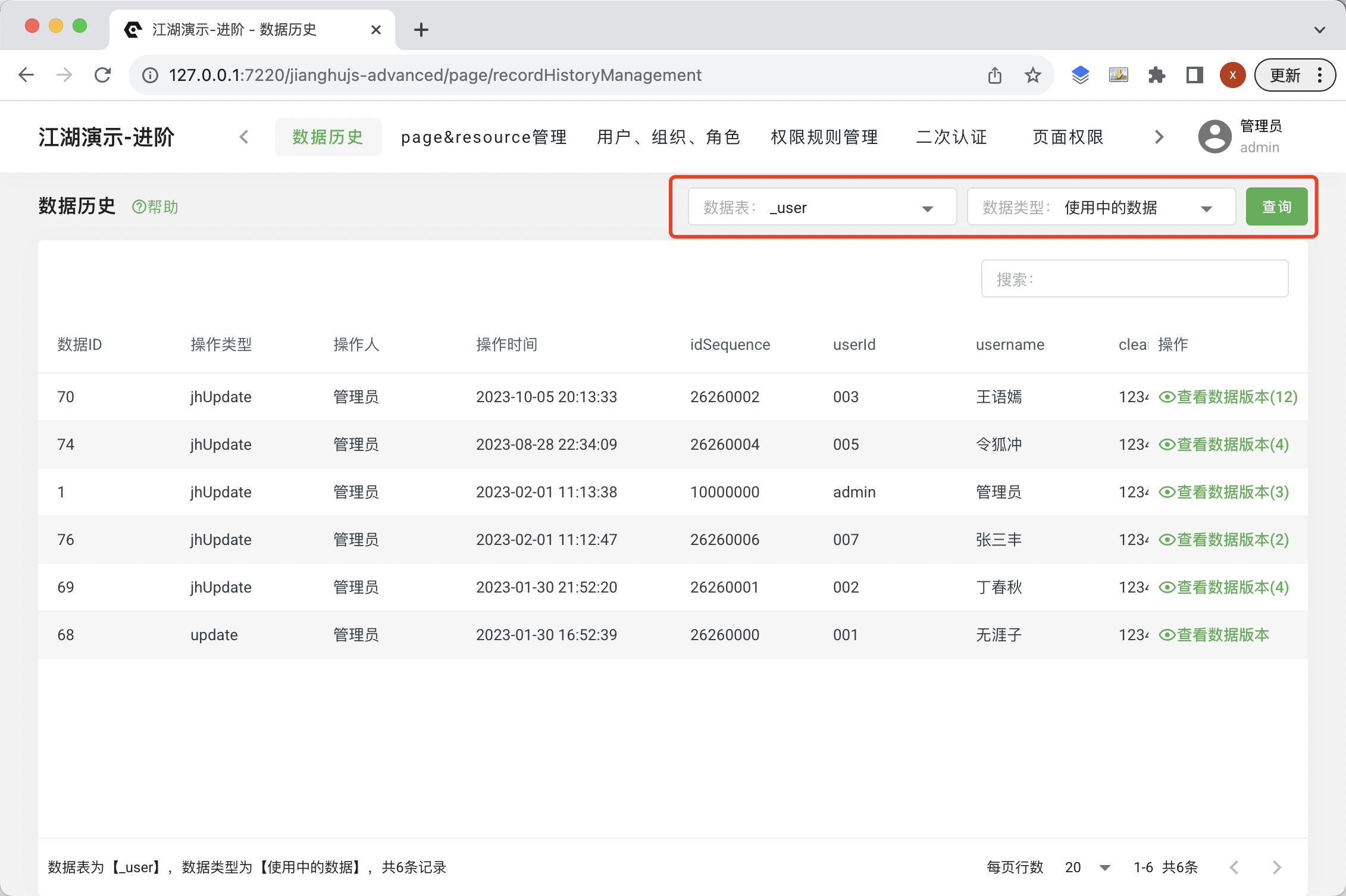
- Search condition configuration
Search
Data Tableconfiguration// Operable data tables, manually add if necessary constantObj: { table: ["_user"], }Search
Data Typeconfiguration// Operable data types constantObj: { dataType: [ {"value": "onUse", "text": "Data in use"}, {"value": "deleted", "text": "Deleted data"}, ], }
Frontend Processing
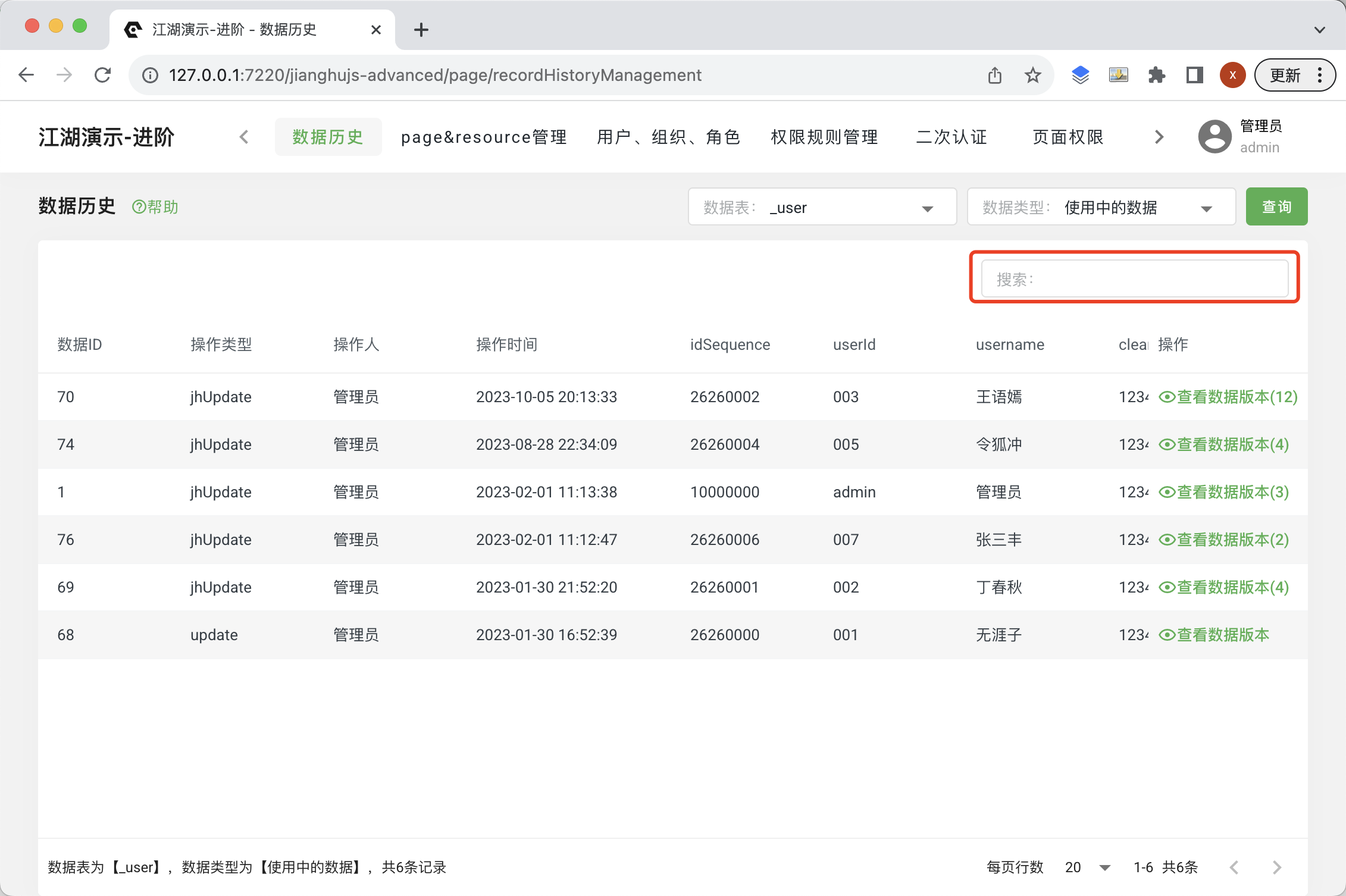
The search box contains keywords to search for; the frontend searches directly within the existing data without initiating an HTTP request.
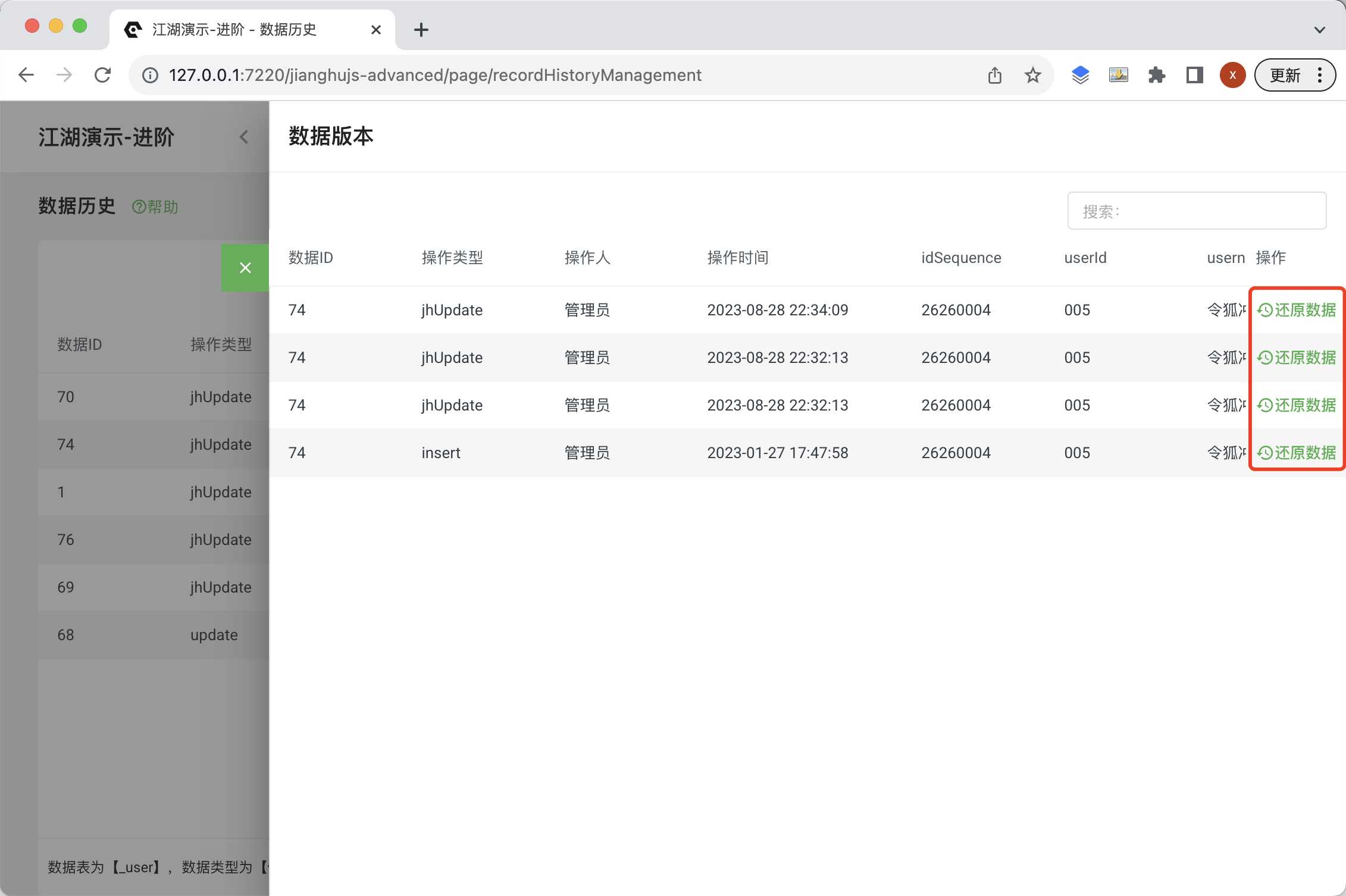
Data Restoration
Used to restore modified data; after the operation, the data will revert to its current state.
Create recordHistory
const operation = 'jhRestore';
const operationAt = dayjs().format();
const operationByUserId = userId;
const operationByUser = username;
const newData = { ...record, operation, operationAt, operationByUserId, operationByUser };

await trx('_record_history').insert({
      table, recordId: newData.id, recordContent: JSON.stringify(newData),
      packageContent: '{}',
      operation, operationAt, operationByUserId, operationByUser,
});
Restore Data
const recordListTemp = await trx(table).where({ id: recordId }).select();
if (recordListTemp.length > 0) {
      await trx(table).where({ id: recordId }).update(newData);
} else {
      await trx(table).insert(newData);
}