
Log
12134I. Function Overview
The log management feature provides Jianghu OA system users with a centralized platform for managing and viewing work logs. Users can conveniently submit their work logs by selecting preset log templates (such as daily reports, weekly reports, monthly reports, etc.). Additionally, users can view and manage the logs they have sent or received on the "Sent by Me" and "Received by Me" pages, facilitating effective communication and sharing of information within the team.
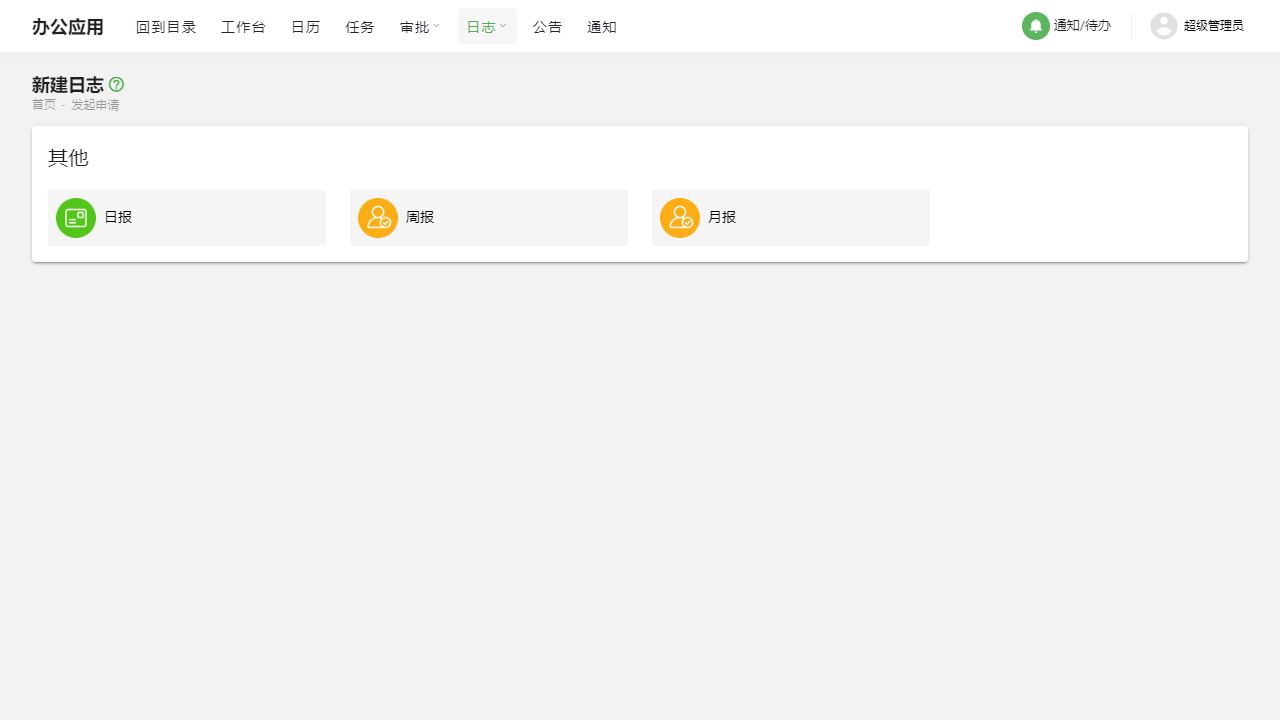
II. Function Entry
Users can easily access the log management page by clicking on the [Logs] option in the top navigation bar of the system.
III. Detailed Function List
Log Templates
- Users can configure and manage different types of log templates such as daily reports, weekly reports, and monthly reports here.
- By using preset templates, users can write and submit work logs more efficiently.
Create New Log
- Users can select one from the configured log templates and fill in the log according to the template content.
- After submission, the log will be sent to the relevant personnel based on the settings.
Sent by Me
- Users can view and manage all logs they have sent here.
- Convenient search and filtering functions are provided to help users quickly locate specific logs.
Received by Me
- Users can view all logs they have received here.
- Similarly, search and filtering functions are available for users to review and manage the received log information.
IV. Notes
- When configuring log templates, please ensure the accuracy and applicability of the template content to improve the efficiency and quality of log writing.
- Before submitting a log, please carefully check the content to ensure the accuracy and completeness of the information.
- Regularly check the "Sent by Me" and "Received by Me" logs to maintain effective communication with team members.
V. Frequently Asked Questions
Q: How do I create a new log template?
A: In the log management page, find the "Log Templates" section, click the "Create Template" button, fill in the template name, select the template type (daily report, weekly report, monthly report, etc.), and define the specific content of the template. Save it once completed.
Q: Can I modify a log that has already been sent?
A: Generally, logs that have been sent cannot be directly modified. If you need to correct or supplement information, it is recommended to resend a new log or directly comment below the original log for clarification.
Q: How can I quickly find the log I sent on a specific day?
A: In the "Sent by Me" page, you can use the search or filter functions to quickly locate logs from a specific date. Typically, you can search by selecting a date range or entering keywords.
Q: Can I delete the logs I have sent?
A: Depending on the system settings, users may be allowed or prohibited from deleting sent logs. If you need to delete a log, please contact the system administrator or refer to the system help documentation for further guidance.