
Student Management
12122I. Function Overview
The student management function provides a comprehensive platform for viewing and managing students' learning records, reminders for students and teachers, etc. This function helps teachers and administrators better track students' learning progress, stay informed about students' learning conditions, and provide appropriate guidance and intervention.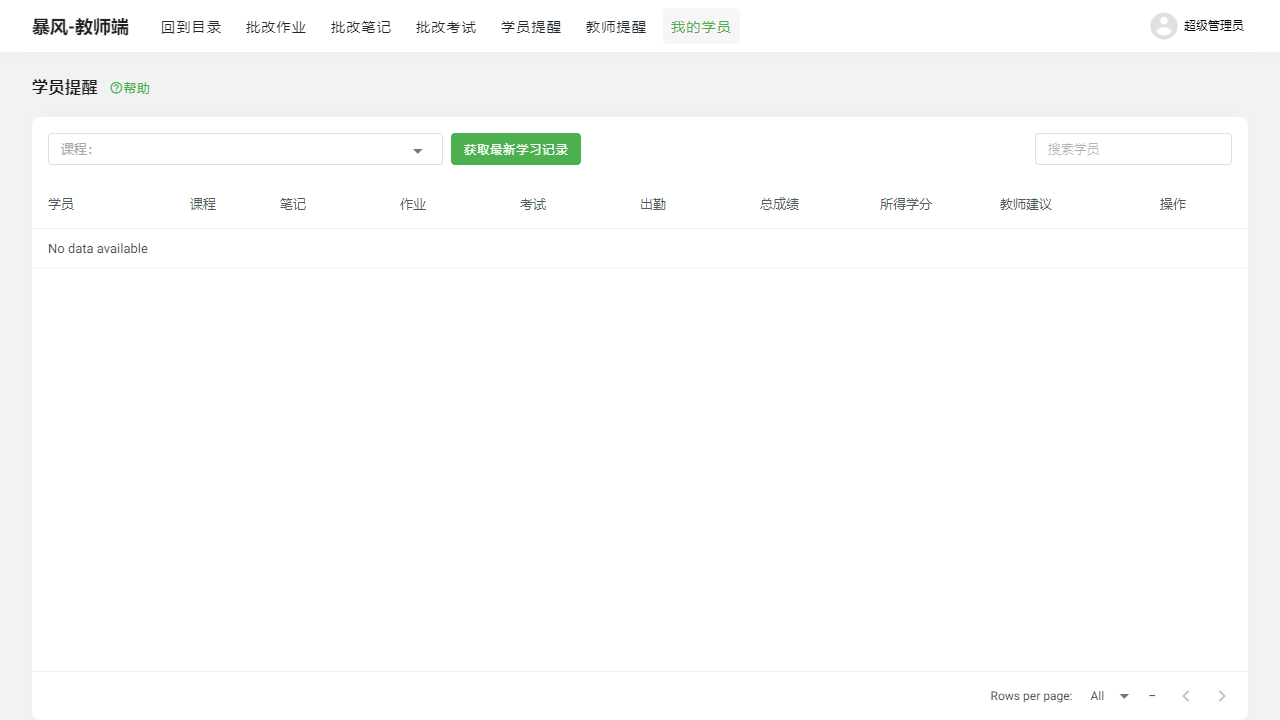
II. Function Entry
Users can quickly access the corresponding management pages by clicking on the tabs 【My Students】【Student Reminders】【Teacher Reminders】 at the top of the page.
III. Function Details
1. My Students
In the "My Students" page, teachers can view detailed learning records for each student, including the courses they participated in, notes they wrote, assignments submitted, exams taken, and attendance records. This information helps teachers gain a comprehensive understanding of students' learning conditions and provides data support for personalized teaching.
2. Student Reminders
The "Student Reminders" page records the time of the last submission of assignments, notes, and other learning activities by students. This function helps teachers promptly discover students' learning dynamics and remind and urge students who have not submitted assignments or notes on time.
3. Teacher Reminders
The "Teacher Reminders" page records the time of the last grading of assignments or notes by teachers. This helps teachers track their grading progress and ensure timely feedback to students. Additionally, it aids administrators in supervising and evaluating teachers' work.
IV. Notes
- Please ensure to regularly check students' learning records and reminder information to promptly identify and address potential learning issues.
- When handling student information, please adhere to relevant privacy and data protection regulations.
- Teachers should maintain a fair, objective, and timely attitude when grading assignments and notes to promote students' learning motivation.
V. Frequently Asked Questions and Answers
Q1: How can I view a student's learning records?
A1: Teachers can enter the student management page by clicking on the 【My Students】 tab, then select a specific student to view their learning records, including courses, notes, assignments, exams, and attendance information.
Q2: How does the student reminder function work?
A2: The student reminder function automatically records the time of the last submission of assignments, notes, and other learning activities by students. Teachers can quickly understand each student's latest learning dynamics by viewing the student reminders page.
Q3: How can teachers use the teacher reminder function?
A3: Teachers can view the time of their last grading of assignments or notes through the 【Teacher Reminders】 page. This helps teachers track their grading progress and ensure timely feedback to students. It can also serve as a reference for self-management and work evaluation.
Q4: How can we protect students' privacy and data security?
A4: When handling student information, teachers must adhere to strict privacy and data protection regulations. Ensure that students' personal information is not disclosed or misused. Additionally, the system should implement necessary security measures to protect the security of student data.