
Course List
12122I. Function Overview
The Course List feature primarily provides students with a platform to view the courses available in their class. Through this feature, students can easily understand all the courses they need to study for the current semester.
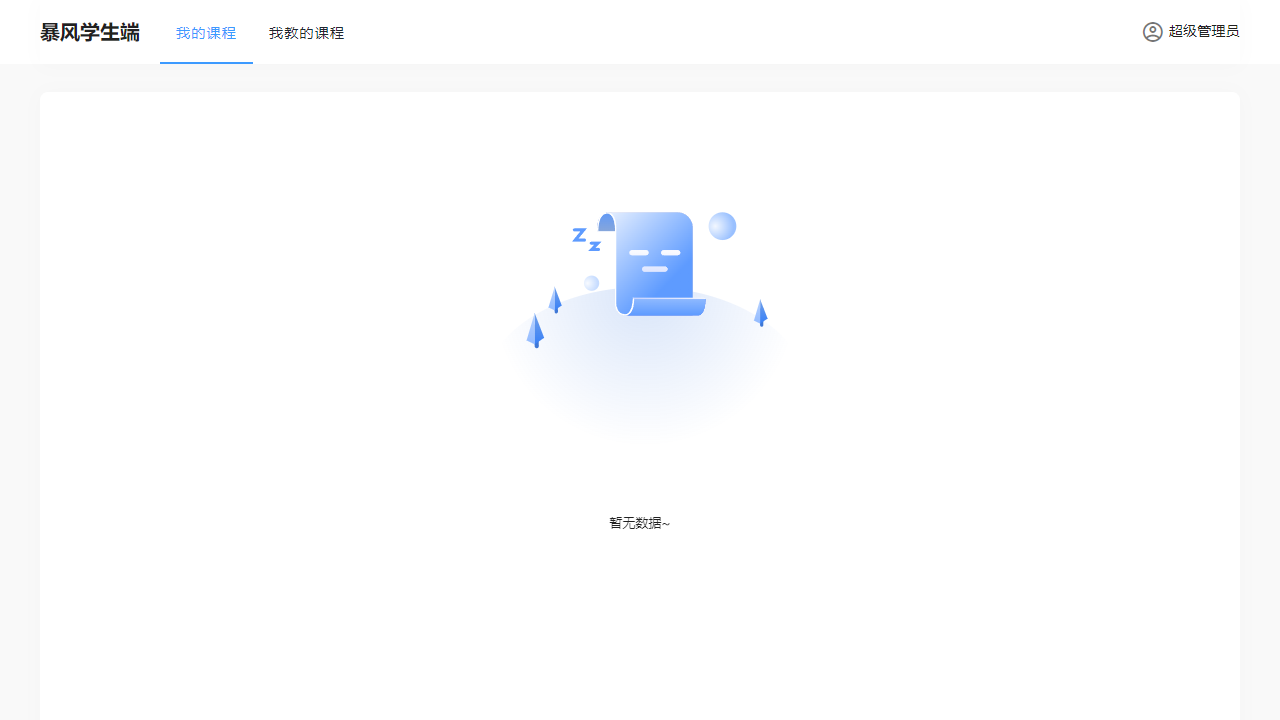
II. Accessing the Feature
Students can quickly access the Course List page by clicking the "My Courses" tab at the top of the page.
III. Detailed Functionality
1. My Courses
The "My Courses" section lists all the courses that students are currently registered for and need to attend. Students can click on each course to view detailed information, such as course description, syllabus, instructor, class time, and location. Additionally, students can access course-related resources from here, such as lecture materials, assignments, and exam information.
2. Courses I Teach
If the system is being used by a teacher, the "Courses I Teach" section will list all the courses that the teacher is responsible for. Teachers can view and manage detailed information about their courses, including student lists, grade records, and teaching resources. This feature helps teachers better organize and manage their teaching work.
Note: If the student portal does not apply to "Courses I Teach," this section can be omitted from the course list on the student side.
IV. Important Notes
- Ensure the accuracy of personal information and course data to correctly display the course list.
- Update course information promptly to reflect the latest teaching arrangements and resource changes.
- Protect personal privacy and course data security to avoid the leakage of sensitive information.
V. Frequently Asked Questions
Q1: Why can't I see some courses in the course list?
A1: This may be due to the following reasons:
- You may not have successfully registered for the course.
- The course may have been canceled or has not yet started.
- There may be a delay in system updates; please try again later.
Q2: How can I view detailed information about a course?
A2: Click on the course you wish to view in the course list, and the system will redirect you to the detailed information page for that course, including course description, syllabus, and instructor information.
Q3: Where can I find resources related to the course?
A3: You can find links to course-related resources, such as lecture material downloads and assignment submissions, on the course detail information page. If your instructor has provided additional resources, they will typically post relevant information on the course page.
Q4: What should I do if I find incorrect course information?
A4: If you find any incorrect information in the course list, please contact your instructor or school administrator promptly for correction. You can also check if your personal information is accurate to ensure the correct matching of course information.