
Course Classification
12119I. Function Overview
The management side [Customer Service Management] page is a functional area for administrators to manage customer service personnel on the platform. On this page, administrators can perform operations such as adding new customer service representatives, disabling customer service representatives, and modifying customer service information.
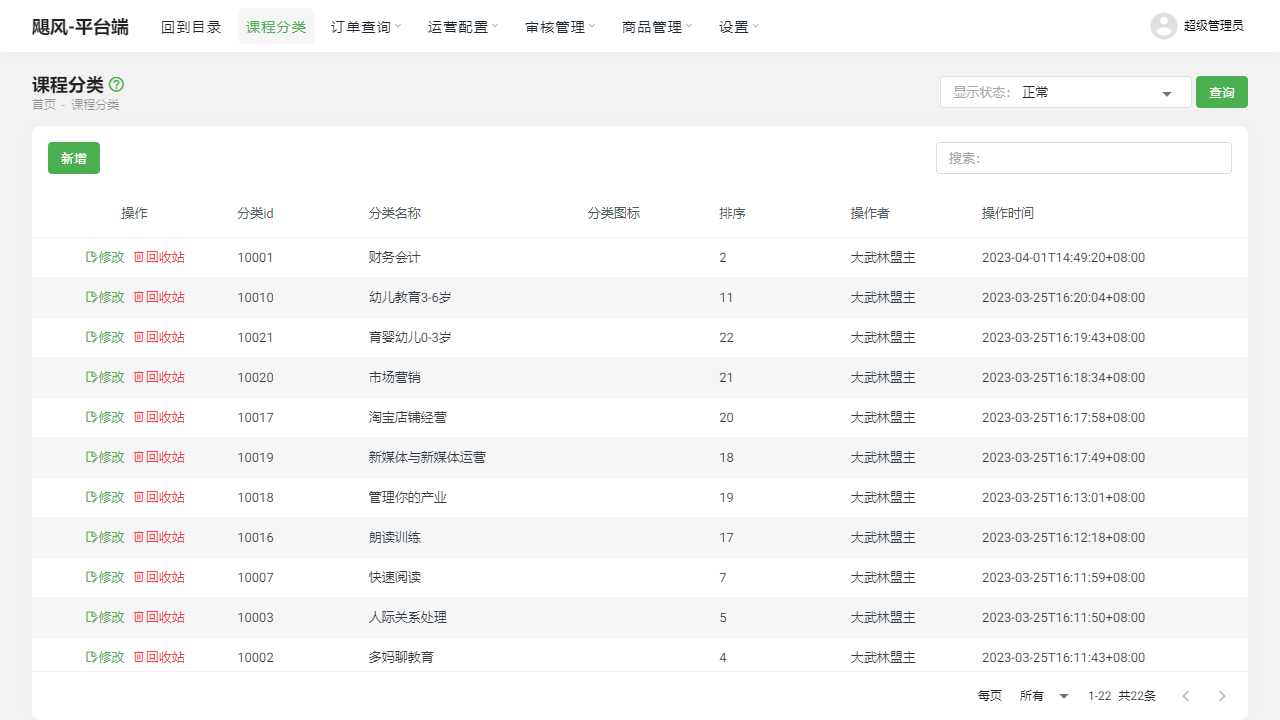
II. Function Entry
After logging into the management side, click on the [Customer Service Management] menu at the top to enter the customer service management page.
III. Function Details
1. Add New Customer Service Representative
Click the "Add New Customer Service" button, fill in the relevant information for the new customer service representative, such as name, account, password, etc., and submit to create a new customer service account. This allows new customer service personnel to join the service platform.
2. Disable Customer Service Representative
In the customer service list, find the customer service account that needs to be disabled and click the "Disable" button. The disabled customer service representative will not be able to log into the system to work. This function is typically used to handle departing or violating customer service personnel.
3. Customer Service List
In the customer service list, you can see the information of all customer service accounts. By clicking the "Edit" button next to a specific customer service account, you can modify the basic information of that representative, such as name, contact information, etc. There is also an option to change the password to ensure account security.
IV. Notes
- When adding a new customer service representative, please ensure that the information provided is accurate to avoid affecting the normal work of the customer service.
- Disabling a customer service representative is a sensitive operation; please execute this action only after confirming that the representative indeed needs to be disabled.
- When modifying customer service information or passwords, please ensure that the new information or password entered complies with the platform's specifications and requirements.
V. Frequently Asked Questions and Answers
Q1: How can I re-enable a disabled customer service account?
A1: Currently, the system does not support directly re-enabling disabled accounts. If you need to re-enable an account, you can first delete that account and then create a new one. Alternatively, contact the system administrator or technical support team for assistance.
Q2: What should I do if I forgot the password for the customer service account?
A2: If you forget the password for the customer service account, you can use the "Forgot Password" feature to reset it. Typically, you will need to provide some verification information, such as the email or phone number used during registration. If you cannot recover the password, please contact the system administrator or technical support team for assistance.
Q3: Can I batch modify customer service information?
A3: Currently, the system does not support batch modification of customer service information. If you need to modify the information of multiple customer service representatives, you will need to edit and save them one by one. To improve efficiency, it is recommended to organize the information that needs to be modified in advance and then modify them sequentially.