
Order Management
12119I. Function Overview
The order inquiry function is a comprehensive management tool that allows administrators or relevant personnel to view and manage all orders generated on the user side, including course orders, exam orders, material orders, product orders, and after-sales orders. This function facilitates easy tracking of order status, handling user issues, and providing better service to users.
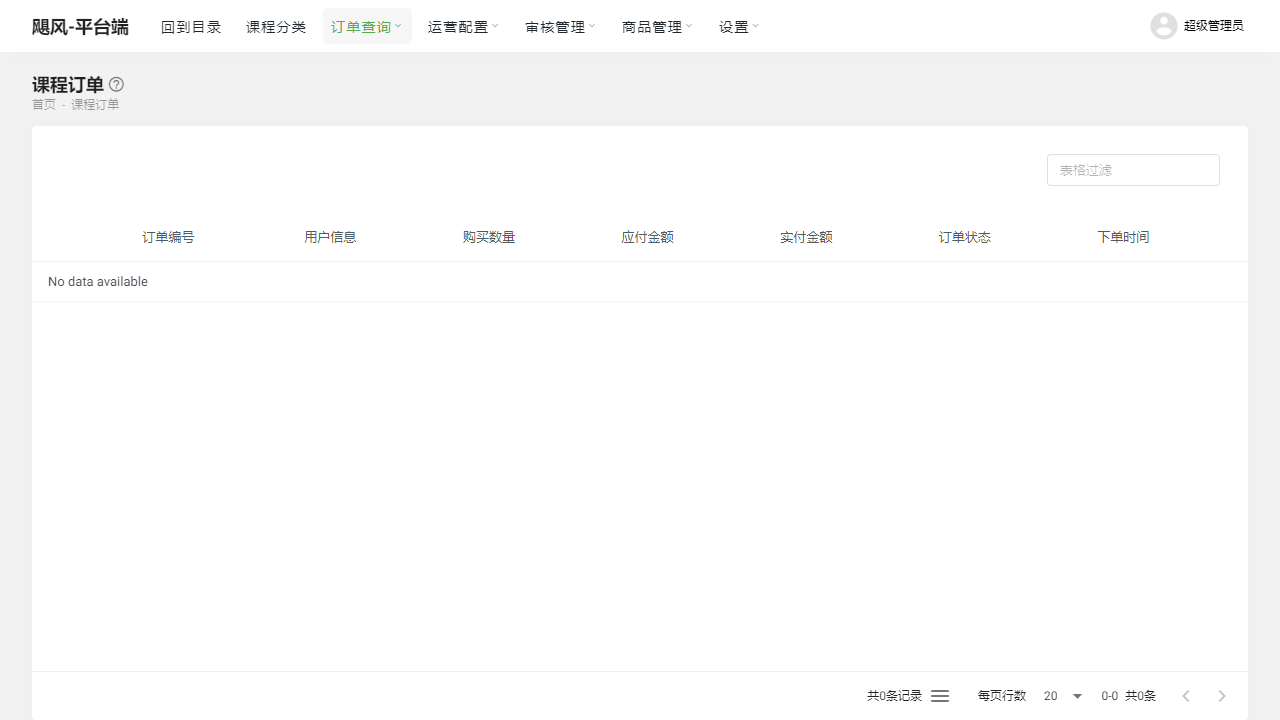
II. Function Entry
For convenience, users can quickly access the order inquiry related pages by clicking the [Order Inquiry] menu at the top of the page.
III. Function Details
Course Orders:
- View all course orders purchased by users.
- Search and filter by order number, user name, course name, etc.
- Display detailed information about the order, such as purchase time, payment status, course name, etc.
Exam Orders:
- Manage online exam orders for users.
- Provide search and filter functions for quick location of specific orders.
- Display detailed information about the exam, including exam time, scores, etc.
Material Orders:
- View material orders purchased or downloaded by users.
- Search and filter orders based on different criteria.
- Display information such as material name, purchase time, etc.
Product Orders:
- Manage product orders purchased by users in the mall.
- Provide powerful search and filter functions for easy finding of specific orders.
- Display detailed information about the product, such as product name, purchase quantity, payment status, etc.
After-sales Orders:
- View and process users' after-sales application orders.
- Search and filter based on after-sales type, application time, etc.
- Display detailed information about the after-sales application, such as reason for application, processing status, etc.
- Provide functions for handling after-sales applications, such as agreeing to returns, exchanges, etc.
IV. Notes
- When processing orders, please ensure to carefully verify order information to avoid misoperation.
- For after-sales orders, please process users' applications in a timely manner to improve user satisfaction.
- Please pay attention to protecting user privacy and avoid leaking users' personal information.
V. Frequently Asked Questions and Answers
Q: How can I quickly find all orders for a specific user?
- A: You can use the search function on the order inquiry page by entering the user's name or order number. Additionally, you can use the filter function to filter based on user name and other criteria to quickly find related orders.
Q: What is the processing flow for after-sales orders?
- A: The processing flow for after-sales orders generally includes receiving user applications, reviewing applications, communicating and negotiating with users, processing applications (such as returns, exchanges, etc.), and follow-up steps. Please ensure timely processing of users' after-sales applications and maintain good communication to enhance user experience.
Q: How can I ensure the accuracy of order data?
- A: To ensure the accuracy of order data, it is recommended to regularly verify and review order data. Additionally, optimizing the system's data validation mechanism can reduce the possibility of human input errors. Furthermore, for abnormal orders or suspected erroneous orders, please promptly confirm and communicate with users.