
Student Management
12119I. Function Overview
The student management feature provides teachers with a platform to view and manage the learning status of students in their courses. Through this feature, teachers can easily track students' learning progress, attendance, and other learning activities, allowing them to better understand students' learning conditions and provide necessary guidance and support.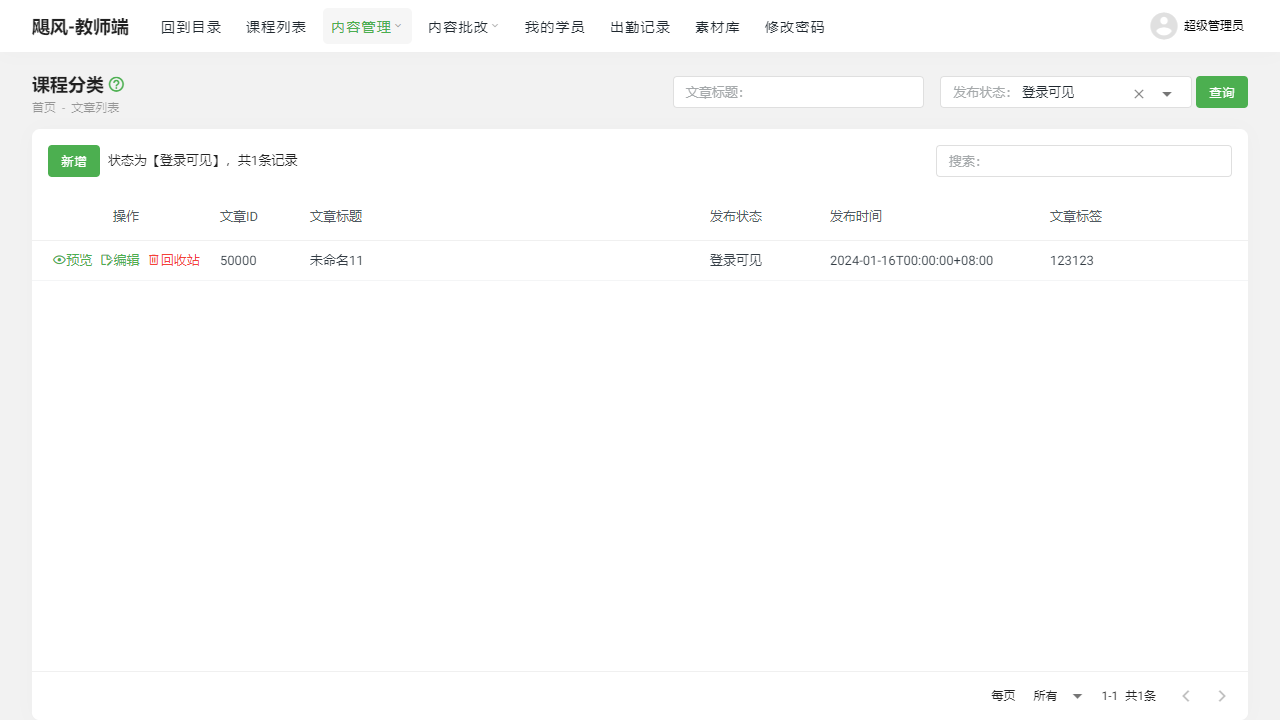
II. Function Entry
Teachers can access the relevant pages for student management by clicking on the "My Students" or "Attendance Records" menu at the top of the page.
III. Function Details
My Students:
- Student Learning Record List: Displays a list of all students who have enrolled in the teacher's courses.
- Filter by Course: Teachers can filter the student list by different courses to view the status of students in a specific course more accurately.
- Student Data Statistics: The system provides teachers with statistics on students' assignment completion, exam scores, and attendance rates, helping teachers gain a comprehensive understanding of students' learning conditions.
Attendance Records:
- Attendance Record: Records the attendance status of each student in detail, including attendance dates, times, and absences.
- Attendance Statistics: Teachers can use attendance records to calculate students' attendance rates, allowing them to promptly identify and follow up with students who have low attendance rates.
IV. Notes
- Teachers should regularly review students' learning records and attendance records to promptly identify any issues or difficulties students may encounter during their learning process and provide appropriate guidance and assistance.
- When handling student data, teachers should comply with relevant privacy and data protection regulations to ensure the security and privacy of student information.
V. Frequently Asked Questions and Answers
Q: How can I view the detailed learning records of a specific student?
- A: On the "My Students" page, teachers can click on a student's name or student ID to enter the detailed learning record page for that student, where they can view data such as assignment completion, exam scores, and attendance rates.
Q: How is "absence" defined in the attendance records?
- A: In the attendance records, "absence" typically refers to a student not participating in a course or activity within the specified time. The specific criteria may vary depending on the course or platform. Teachers can clarify attendance requirements and absence standards before the course begins.
Q: What should I do if I find that a student's learning progress is lagging or their attendance rate is low?
- A: If a teacher finds that a student's learning progress is lagging or their attendance rate is low, they can proactively communicate with the student to understand the reasons and provide necessary guidance and assistance. Additionally, teachers can adjust their teaching methods and content to stimulate students' interest and motivation in learning.