
Mall
12119I. Function Overview
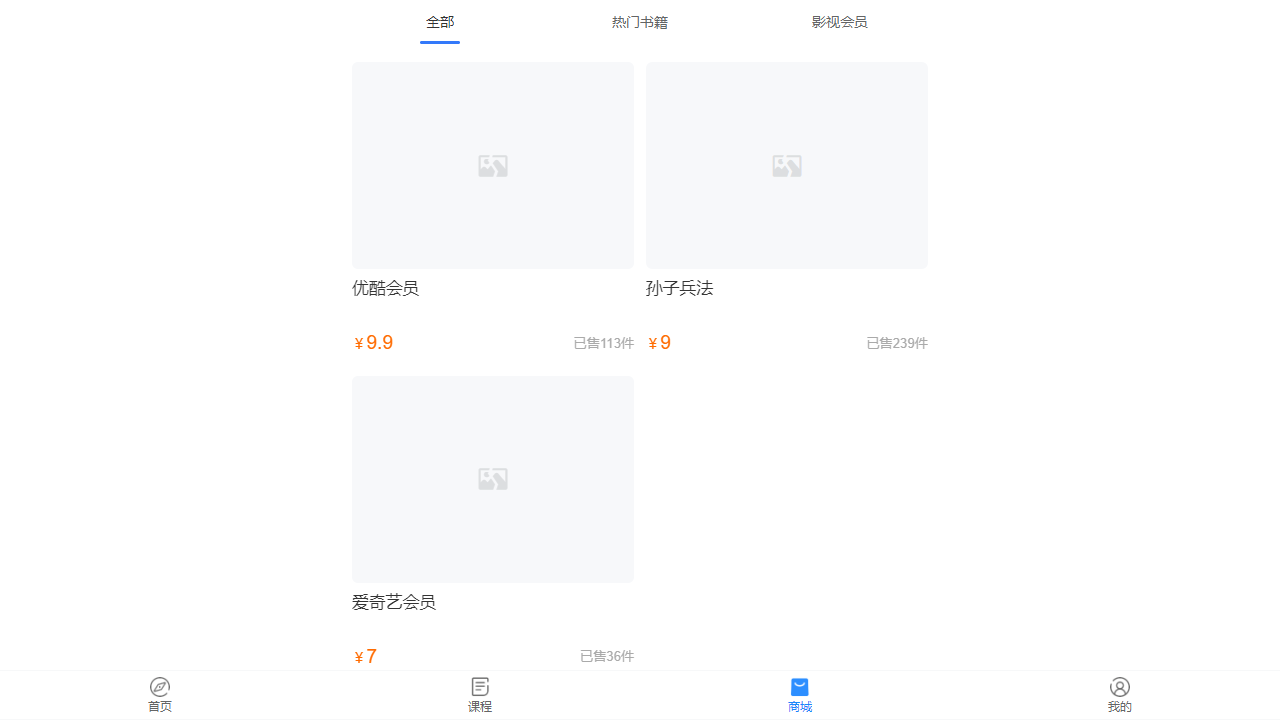
The mall page is the main interface for users to browse and purchase products. Through this page, users can view all available products, obtain detailed information about the products, and place orders for purchases. Additionally, users can view and post product reviews to share their shopping experiences and feedback.
II. Function Entry
Users can quickly access the product list page by clicking the [Mall] tab at the top of the page.
III. Function Details
Product List:
- Products are displayed in different categories, making it easier for users to find items of interest.
- Users can search for products by browsing or searching specific product categories.
Product Details:
- When users click on a product, they will enter the product details page, which displays detailed information about the product, including product name, description, price, stock status, etc.
- The product details page may also include product images or videos, providing users with a more intuitive visual experience.
Product Purchase:
- On the product details page, users can select the quantity to purchase and add the product to the shopping cart.
- Users can proceed to the shopping cart for checkout, completing the purchase process, including selecting delivery address, payment method, etc.
Product Reviews:
- On the product details page, users can view reviews and ratings from other purchasers, which helps them make informed purchasing decisions.
- Users can also leave reviews and ratings for products after purchase, sharing their usage experiences and opinions.
IV. Notes
- Before purchasing, please ensure that the product's detailed information, price, and stock status meet your expectations.
- When posting comments, please adhere to platform rules, maintain a fair and objective attitude, and avoid using inappropriate language or engaging in malicious attacks.
- If you encounter any issues during the purchasing process, please contact the mall's customer service promptly for assistance.
V. Frequently Asked Questions
Q: How can I find products in a specific category?
- A: On the product list page, you can find products in a specific category by clicking on the product category navigation on the left side or the category filter at the top of the page.
Q: Will products be restocked after they sell out?
- A: This depends on the mall's inventory management and the supplier's situation. If a product is popular and likely to be restocked, the mall will typically replenish inventory as soon as possible. It is recommended to monitor the product page or contact customer service for the latest restock information.
Q: Where can I view my purchase history and order status?
- A: Typically, you can view your purchase history and order status in the "My Account" or "Order History" section of the mall. This information will help you track your order progress and understand the expected delivery time.