
Course
12119I. Function Overview
The course page is one of the core functions of the user end, allowing users to view detailed course information, purchase courses, and leave course reviews. This page provides users with an intuitive and convenient interface to understand and select courses that suit their needs.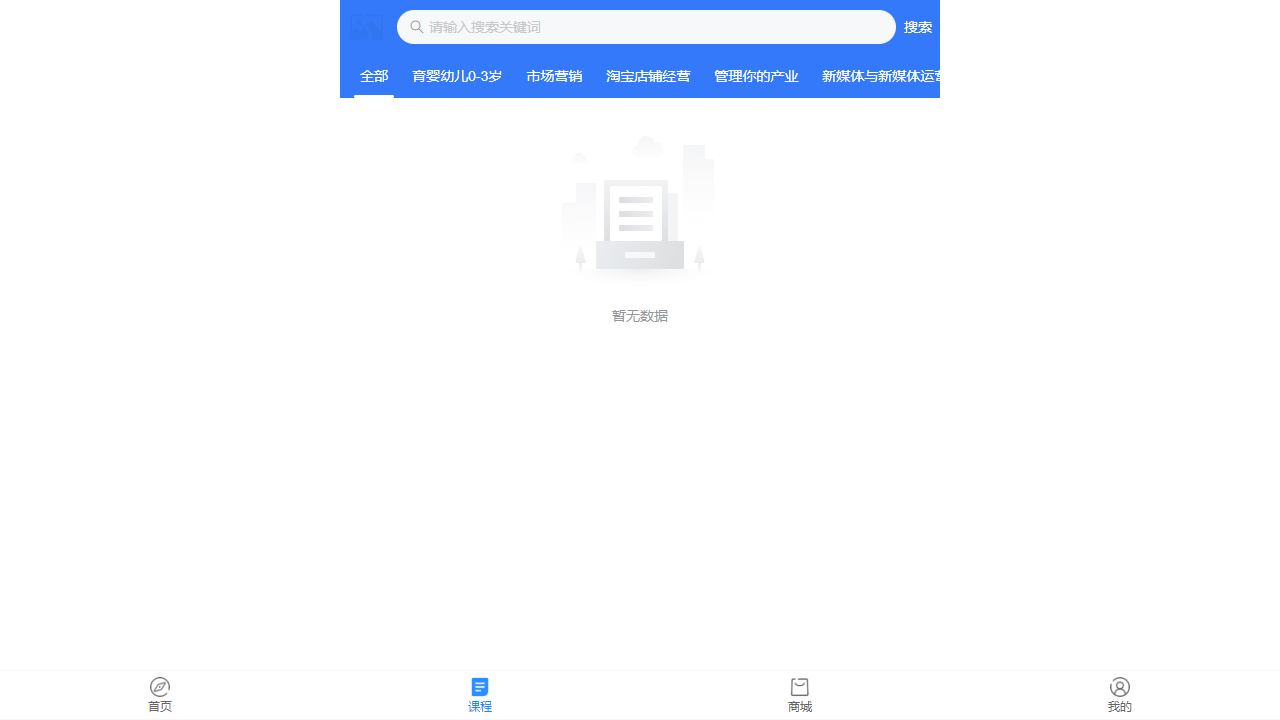
II. Function Entry
Users can quickly access the course list page by clicking the 【Course】 tab on the page, allowing them to browse and select courses of interest.
III. Function Details
Course List:
- Courses are arranged by different categories, such as subject classification and difficulty level, making it easy for users to quickly find relevant courses based on their needs.
- A search function is supported, allowing users to quickly locate specific courses by entering the course name or keywords.
Course Details:
- After clicking on a course, users can enter the course details page to view detailed information about the course, including course name, instructor introduction, course outline, target audience, etc.
- The course details page may also include a preview video or a trial lesson, allowing users to understand the course content and teaching style in advance.
Course Purchase:
- On the course details page, users can choose to purchase the course. The purchase process typically includes selecting the purchase method (such as one-time purchase, subscription, etc.), filling in payment information, and completing the payment.
- After a successful purchase, users will gain access to the course and can start learning.
Course Reviews:
- Users can view comments and ratings from other users on the course details page to understand the quality and reputation of the course.
- Users can also leave their own comments and ratings on the course, sharing their learning experiences and feelings.
IV. Notes
- Before purchasing a course, please ensure that you have fully understood the course content and instructor information to avoid unnecessary misunderstandings and disputes.
- When leaving comments, please maintain an objective and fair attitude, respect others' opinions, and avoid malicious attacks or defamation.
- If you encounter any issues during the purchase or learning process, please contact platform customer service for assistance in a timely manner.
V. Frequently Asked Questions and Answers
Q: How do I search for the course I want?
- A: Enter the course name or keywords in the search box on the course list page, and then click the search button to quickly locate the course you want.
Q: Can I get a refund after purchasing a course?
- A: The specific refund policy may vary by platform. Generally, if you find that the course does not meet your needs or has quality issues shortly after purchase, you can try to contact platform customer service to request a refund. However, please note that some platforms may have specific refund conditions and deadlines.
Q: Where can I view and manage the courses I have purchased?
- A: Typically, you can view and manage the courses you have purchased in the user's personal center or account settings page. Here you can find a list of purchased courses, learning progress, and other related information.